
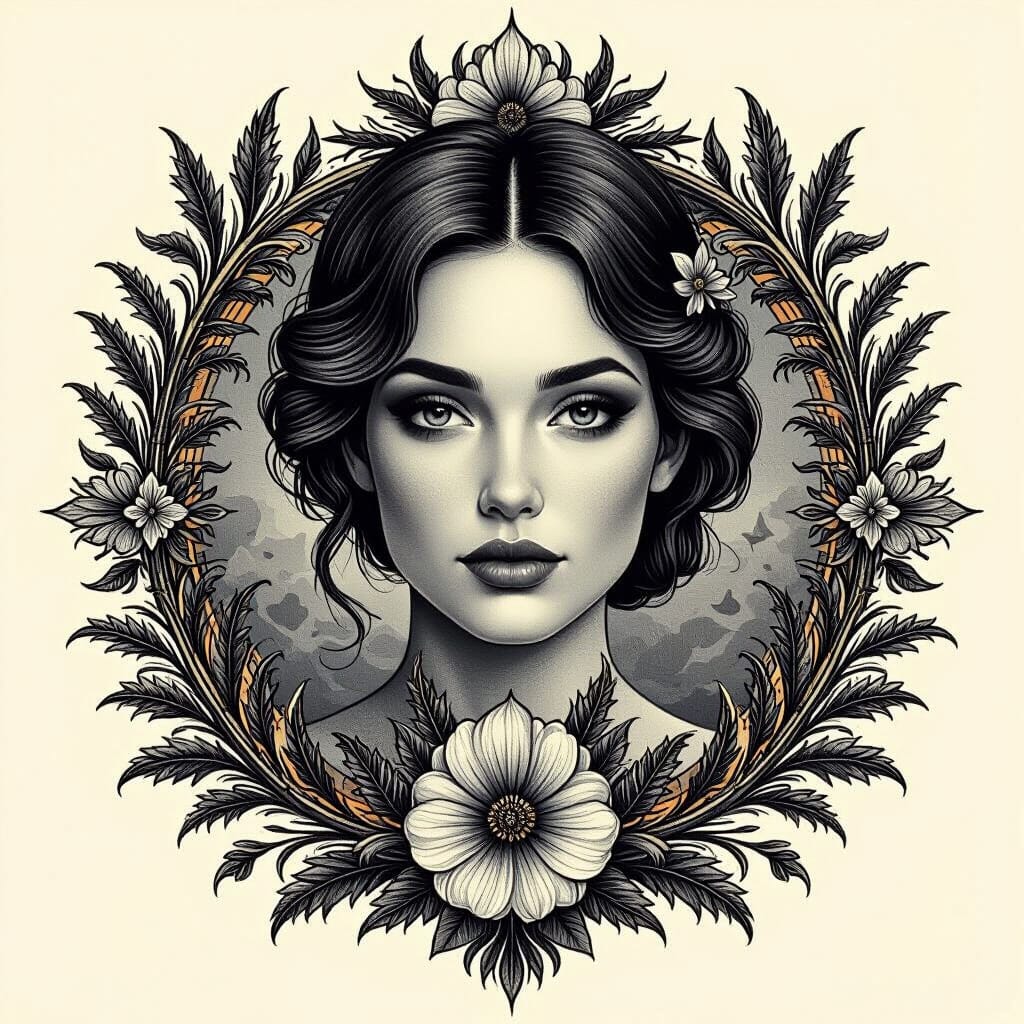
Tattoos are like wearable stories, but sometimes coming up with the perfect design feels like trying to find a needle in a haystack—blindfolded. Lucky for us, illustrative tattoo design templates are here to save the day (and our indecisive souls). They give us a starting point that’s as creative as it is customizable, so we don’t have to settle for that “meh” doodle on a napkin.
Whether we’re dreaming of a fierce mythical creature or a quirky little cactus with attitude, these templates turn our wild ideas into ink-ready masterpieces. Let’s dive into some fun and fresh illustrative tattoo design ideas that’ll have us booking that appointment faster than we can say “permanent regret” (just kidding—we’re all about confident choices here).
Materials and Tools for Creating Tattoo Design Templates
Mastering illustrative tattoo design templates depends on having reliable materials and sharp tools in hand.
Essential Drawing Materials
Start with pencils, graphite sets in 2B, 4B, and 6B for sketching bold outlines and delicate shading. Incorporate fineliner pens in sizes 0.1mm to 0.5mm to secure crisp lines that sparkle with personality. Keep a kneaded eraser nearby to sculpt and refine details without damaging the paper. Use heavyweight sketch pads or smooth Bristol boards sized 9×12 inches for a solid drawing surface that handles multiple ink layers without warping. Lastly, snatch a ruler and compass to perfect symmetry and sharp geometric shapes, because nobody wants lopsided roses or skewed skulls.
Digital Tools and Software Options
Opt for graphic tablets like Wacom Intuos or XP-Pen Artist for seamless hand-drawn design entry into digital formats. Employ vector-based software such as Adobe Illustrator or CorelDRAW to refine the templates with scalable precision, enabling clean resizing for different tattoo placements. Utilize raster programs like Procreate or Photoshop for textured digital brushes that mimic traditional ink styles and allow layering experiments. Incorporate color calibration tools to guarantee the colors appear consistently when printed or viewed on different screens.
How to Choose the Right Theme for Your Tattoo Design Template
Choosing the perfect theme requires a mix of creativity and a splash of personal flair. Let’s dive into how to pinpoint a theme that sticks.
Understanding Different Illustrative Styles
Identify illustrative styles such as traditional, neo-traditional, watercolor, blackwork, or minimalist. Recognize that traditional styles bring bold lines and bright colors while neo-traditional adds more details and gradients. Watercolor styles favor soft edges and vibrant blends but blackwork stays bold and monochrome. Minimalist strips down to essential lines but still packs a punch. Select styles that catch the eye and match the vibe intended for your tattoo.
Matching Themes to Personal Stories or Meanings
Connect themes to stories or values like family, heritage, passions, or life milestones. Choose motifs that reflect emotions like strength, freedom, or transformation if they resonate with personal goals. Align symbols such as animals, flowers, or celestial bodies with experiences or beliefs for deeper meaning. Crafting a theme around stories creates tattoos that speak louder than words and avoid clichés unless trying for irony.
Step-by-Step Guide to Creating Illustrative Tattoo Design Templates
Navigating the world of illustrative tattoo design templates involves a clear process. We break down each stage to turn wild ideas into sharp, ink-ready art.
Brainstorming and Concept Development
Start by dumping every tattoo idea scribbled in your brain onto paper or a digital note. We gather themes inspired by personal stories, favorite motifs, or even that weird dream from last Tuesday. Next, select 3 to 5 concepts that pop visually and emotionally. Finally, mix and match elements from these choices to hatch fresh, unique designs—no cookie-cutter clichés allowed.
Sketching Initial Ideas
Pick your favorite concept and sketch loosely with pencils ranging from 2H to 2B for lighter and darker marks. We slap down rough outlines focusing on the composition and placement rather than perfection. Experiment with shapes and scale until the core design feels balanced. If you use digital tablets, rough sketching can happen directly in vector programs for easy tweaks later.
Refining the Design
Grab your fineliner pens or a stylus with pressure sensitivity and start sharpening lines and correcting proportions. We erase stray marks and redraw complex parts to ensure clarity and tattoo-ability. If symmetry matters, rely on tools like a lightbox or digital mirroring functions to get those mirrored elements just right. At this stage, scale the template to tattoo size so details translate well on skin.
Adding Details and Shading
Enhance the template by adding line weights, stippling, crosshatching, or smooth gradients depending on your style choice—traditional bold lines or watercolor softness, for example. We carefully place shadows and highlights to create depth without overcrowding the design. If working digitally, layers become our best friends to test various shading effects before finalizing the perfect illustrative tattoo design template.
Techniques for Enhancing Your Tattoo Design Template
Enhancing tattoo design templates turns good ideas into jaw-dropping ink. Mastering specific techniques makes every line and shade count.
Using Contrast and Line Weight
Adjusting contrast and line weight controls how each element pops. Thicker lines grab the eye, while thinner lines add delicate detail. Use bold strokes around main shapes to create focus, then mix in fine lines for texture and subtlety. Keep variations consistent, so your tattoo breathes balance instead of chaos.
Incorporating Symbolism and Elements
Layering symbols and design elements injects depth and personal meaning. Combine motifs like flora, fauna, celestial bodies, or geometric shapes that tell a story. Pair a wolf with a crescent moon to hint at mystery and loyalty. Spice up backgrounds with abstract shapes or waves that echo emotions. If symbols clash, scale or rearrange until harmony emerges.
Color vs. Black and Gray Templates
Choosing color or black and gray sets the tattoo’s mood and longevity. Color templates pop with vibrancy but fade faster under sun exposure. Black and gray boost classic, timeless vibes while maintaining strong contrast. Combine both styles in a single design for striking emphasis: color highlights pop against muted grayscale backgrounds. Consider the wearer’s skin tone and lifestyle for the best match.
Tips for Making Your Template Tattoo Artist-Friendly
Making our tattoo design template artist-friendly ensures a smooth inking process and an epic final piece. Let’s dive into the essentials of clarity and size, so our artists don’t need a crystal ball to decode our masterpiece.
Keeping Line Clarity and Simplicity
Prioritize bold clean lines because our tattoo artist needs a roadmap, not a treasure hunt. Use varying line weights—thicker lines for main shapes and thinner ones for details—to create depth without chaos. Avoid overly intricate patterns since too many squiggles turn into a blurry mess on skin. Keep text readable by choosing simple fonts or handwriting styles that don’t require a magnifying glass. Remember every line counts; complicated twists might confuse the needle and ruin our vision.
Providing Size and Placement Suggestions
Specify tattoo size clearly with exact dimensions in inches or centimeters so the design fits the body part perfectly. Suggest placement zones such as forearm, shoulder, or calf because not every design looks good stretched across the entire back. Indicate any orientation details like vertical or horizontal orientation since tattoos that hang sideways tend to perplex both wearer and onlookers. Offering reference photos or simple sketches with the template makes spatial decisions less guesswork and more spot-on.
Alternative Methods to Create Illustrative Tattoo Design Templates
Exploring alternative methods sharpens our creative edge when crafting illustrative tattoo design templates. These approaches keep the process fresh and inject fun into our artistic journey.
Using Photo References
Using photo references anchors our tattoo designs in reality while igniting imagination. We select high-quality images of objects, animals, or scenes related to our theme. Incorporating these visuals eases capturing details like texture, proportion, and lighting. We trace or sketch over photos only for structure, then tweak elements to suit personal style or symbolism. For example, blending a lion’s mane with floral patterns or adding surreal shadows distills uniqueness. If photo references lack clarity, supplement with multiple angles or related images to enhance accuracy.
Collaborating with a Tattoo Artist from the Start
Collaborating with a tattoo artist from the start transforms templates into ink-friendly masterpieces. We engage artists early to combine vision with technical know-how regarding skin behavior, needle types, and color longevity. Artists identify challenges such as overly intricate lines or awkward placement that may not translate well on skin. Sharing rough drafts encourages input on line weight, shading, and the canvas size. For instance, an artist’s advice on thickening lines in blackwork or simplifying negative space streamlines the final tattoo process. When collaboration flows smoothly, the tattoo artist becomes a co-creator, not just an executor.
Common Issues in Designing Tattoo Templates and How to Solve Them
Designing tattoo templates often trips us up with a few classic problems. Tackling these head-on keeps our designs clean, clear, and ink-ready.
Avoiding Overcomplicated Designs
Overcomplicated designs turn tattoo templates into tangled messes that confuse both the eye and the needle. We keep designs simple by focusing on essential details and limiting fine elements that blur at small sizes. Using bold lines for primary shapes and trimming unnecessary flourishes prevents the dreaded “what is that?” moment when the tattoo is viewed on skin. If details start crowding together, we slice back until every part can breathe and shine. Simplifying means clearer tattoos that age gracefully rather than fade into a smudgy mystery.
Addressing Proportional and Scale Mistakes
Proportional blunders throw off the whole vibe of a tattoo template and can turn cool ideas into awkward tattoos. We measure key elements twice and place them with body flow in mind so nothing looks weird or squished. Scaling down works better with solid shapes instead of delicate patterns that vanish with size reduction. When unsure, testing designs on scaled grid paper or digital mockups matching the tattoo size reveals disproportions early. We remember body curves affect perception and adjust templates accordingly. Accurate proportion and scale keep our tattoos looking sharp and perfectly placed no matter where they land.
Conclusion
Designing the perfect tattoo template doesn’t have to feel like decoding ancient hieroglyphics. With a bit of creativity, some trusty tools, and a sprinkle of personal flair, we can craft designs that not only look awesome but tell our stories too.
Remember, the best tattoos are the ones that make us grin every time we catch a glimpse in the mirror—or when someone asks about that cool ink. So let’s keep those ideas flowing, lines bold, and collaborations open. After all, great tattoos start with great templates… and maybe a little bit of caffeine.
Frequently Asked Questions
What are illustrative tattoo design templates?
Illustrative tattoo design templates are creative, customizable sketches or digital designs that serve as starting points for personal tattoo ideas. They help individuals visualize and refine their unique tattoo concepts before booking an appointment.
Why are sharp tools important for creating tattoo designs?
Sharp tools, like fine pencils and fineliner pens, ensure clean, crisp lines and precision in tattoo designs, making the design clearer and easier for tattoo artists to replicate on skin.
Which digital tools are useful for tattoo design?
Graphic tablets and vector-based software are popular digital tools. They allow for precise editing, easy adjustments, and smooth transitions from hand-drawn sketches to digital formats.
How do I choose a theme for my tattoo design?
Choose a theme that blends creativity with personal meaning. Consider motifs that reflect your emotions, life experiences, or identity to create a design that feels unique and meaningful.
What are some common illustrative tattoo styles?
Popular styles include traditional, neo-traditional, watercolor, blackwork, and minimalist. Each has distinct features, like bold colors, soft washes, or simple lines, suiting different personal tastes.
What is the first step in creating a tattoo design template?
Start by brainstorming and jotting down all your tattoo ideas. Focus on concepts that are both visually appealing and emotionally significant before moving on to sketching.
How can I enhance my tattoo design for better clarity?
Use contrast and vary line weights—thicker lines for main shapes and thinner lines for details—to create balance and make key elements stand out clearly.
Should I use color or black and gray for my tattoo design?
Color can create a vibrant and lively effect, while black and gray offers timelessness and better longevity. Consider your skin tone and lifestyle when deciding.
How can I make my tattoo design artist-friendly?
Keep lines bold and simple, avoid overly intricate details, provide clear size and placement info, and include orientation and reference photos to aid accurate tattooing.
Why collaborate with a tattoo artist when designing?
Artists bring technical knowledge, helping refine designs for better skin application. Early collaboration ensures the tattoo looks great and is feasible to ink.
How do I avoid common design mistakes?
Keep designs simple with essential details, check proportions and scale using grids or mockups, and avoid overly complex patterns that won’t translate well on skin.
What materials do I need for hand-drawn tattoo templates?
You’ll need a range of pencils, fineliner pens for sharp lines, heavyweight sketch pads, and tools like rulers or compasses to maintain symmetry and clean composition.